Printable Cricut Cut Setting Chart
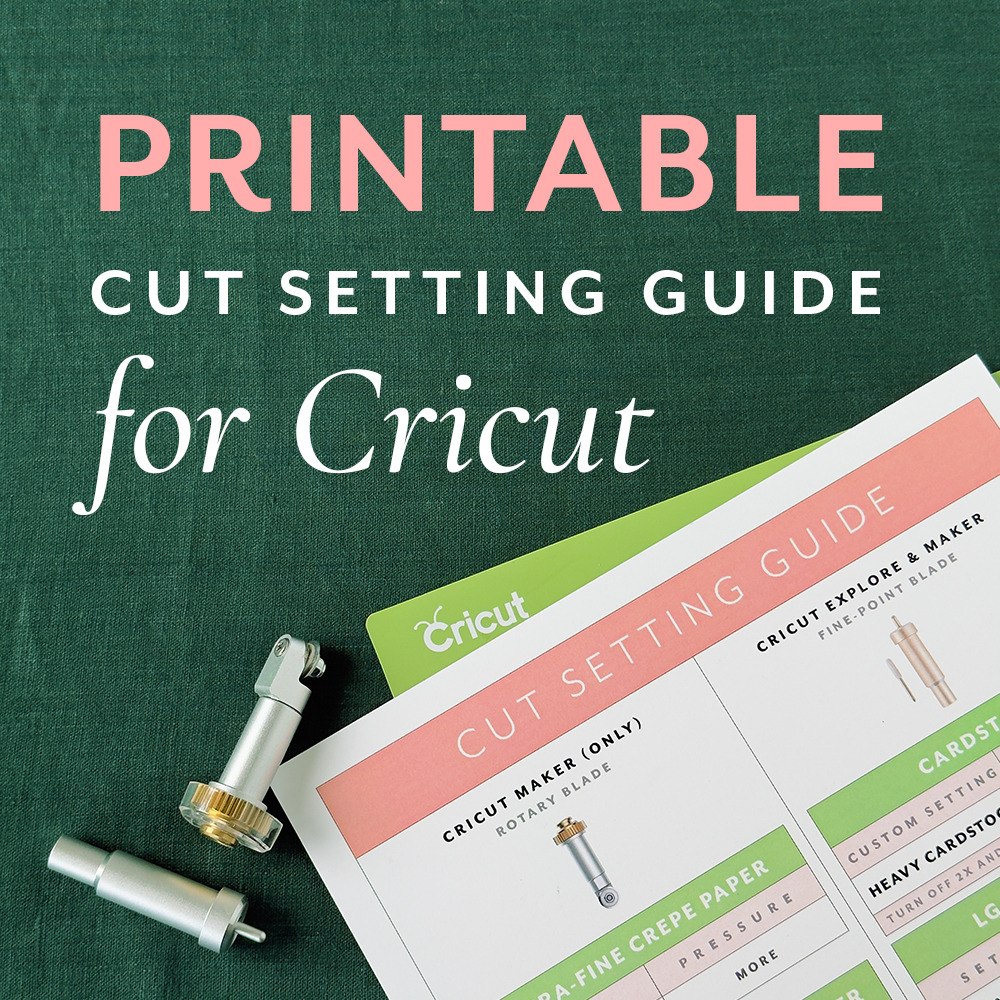
Because "guess and hope" is not a setting.
If you have ever pressed go and watched your machine chew through good cardstock, or barely score the paper at all, you know the small heartbreak of a wrong setting.
This chart fixes that.
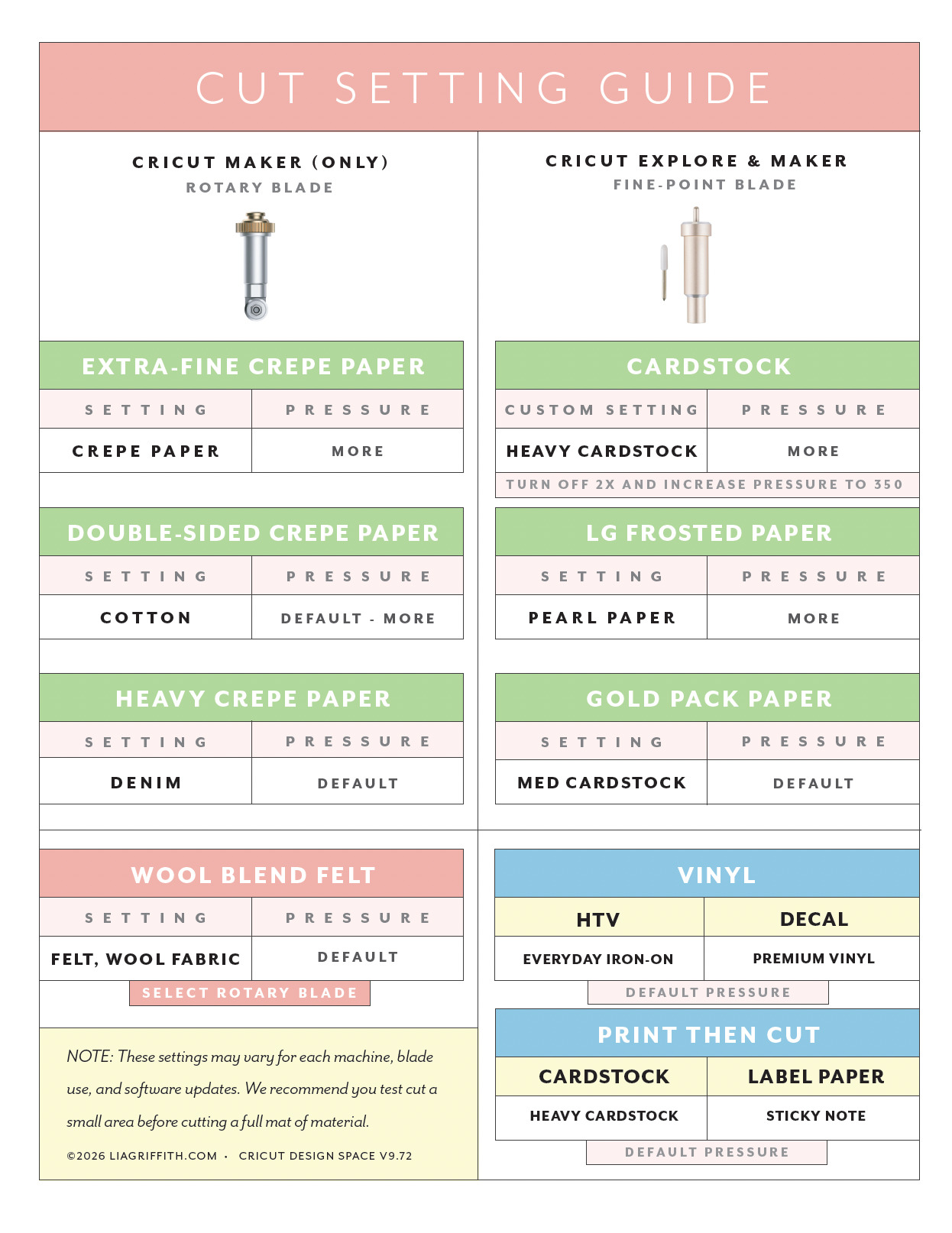
It is the cut settings we reach for every time: the blade, the Design Space setting, and the pressure for the materials we cut most, from cardstock and vinyl to our crepe paper and felt. No more guessing. No more wasted paper.
We keep it current, too. This version is set for Cricut Design Space v9.72.
Project Includes
Cricut Cutting ChartTools
- Cricut Maker 4 (includes fine point blade)
- Cricut Mats
- Rotary Blade
- Scoring Wheel
- Cricut Brayer
- Curling Tool
- Needle-Nose Tweezers
Materials
- Crepe Paper
- Cardstock
- Frosted Paper
- Wool Blend Felt
- Our Favorite Vinyl
- Painters Tape

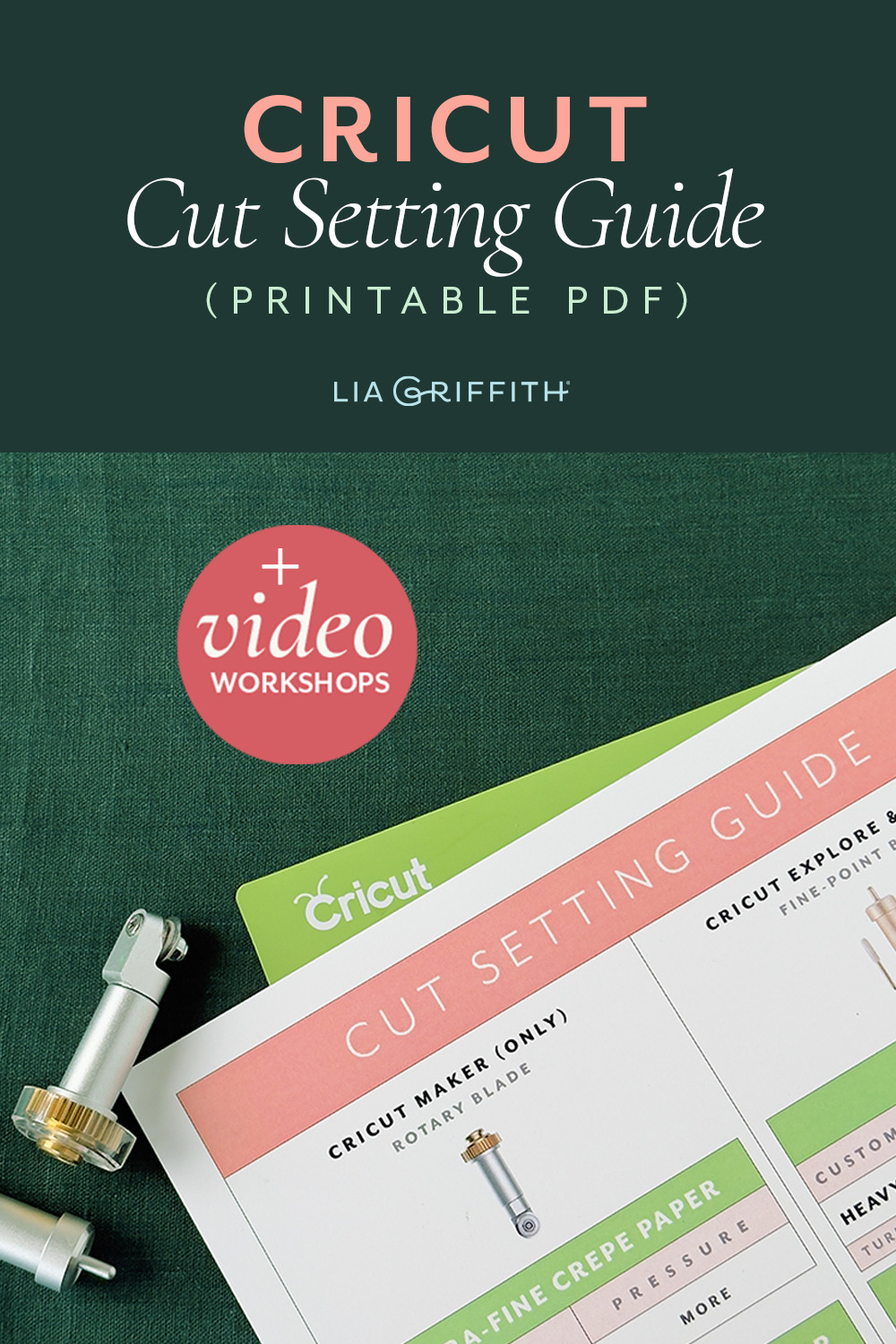
How to read the chart
The right setup depends on which blade you are using.
The rotary blade cuts fabric, felt, and our crepe papers cleanly, and it lives only on the Cricut Maker. The fine-point blade handles cardstock, vinyl, and specialty papers, and it works on both the Cricut Explore and the Maker. The tables below are grouped that way, so find your blade first, then your material.
Get the printable chart
Want it right beside your machine? Download the printable version, hang it by your Cricut, and never guess a setting again. You can find the download button in the right column.
A few things worth knowing
These settings can shift a little from machine to machine, and with blade wear and Design Space updates. So the golden rule is simple: always test cut a small piece before you commit a full mat of material. It takes a moment and saves the good stuff.
A couple more habits that help:
Match your mat to your material, a lighter grip for delicate papers, a firmer grip for cardstock and felt, so nothing tears on the peel. And when your cuts start coming out ragged, it is usually the blade asking to be replaced, not the setting.
A chart tells you the setting. Watching a video shows you the rest.
Settings are only half of it. The other half lives in the small things a chart cannot hold. How the material should feel when you press it to the mat. What a clean cut sounds like as the blade moves. When to run a second pass instead of reaching for a heavier setting.
So we filmed it.
Our Cricut Foundation Series walks through the cutting techniques behind everything we make. Cardstock, frosted paper, crepe paper, wool blend felt, vinyl, iron-on, and Print Then Cut. Sixteen short videos with Meagan, free for every crafter. A free account saves your place, so you can come back whenever you need a refresher.
Here is a taste. Meagan on the blades and tools we reach for, and when. Keep the chart beside you while you watch.
Now the fun part
Settings dialed in, blade fresh, mat gripping the way it should. What you make next is the whole point.
Wander through our cutting machine crafts for cardstock flowers, felt projects, layered art and dimensional paper pieces, all designed to cut beautifully on the machine you already own. And if you are new to our files, our SVG guide walks you from download to first cut.
Happy crafting, ~ Lia
Your Cricut, start to finish
Three things you'll want to know when you sit down at your machine.
See what your machine can make
More than fifty projects beyond vinyl, from cardstock flowers to felt to crepe paper.
Know how to use SVG files
Download, unzip, upload, attach, cut. The whole path, current to Design Space.
Better Than Pinterest
Become a member and get instant access to a professional collection of 2000+ crafts, 400+ videos, and a growing library of master classes for all skill levels. For less than your daily coffee, you'll learn new skills and techniques, create beautiful handmade projects like this, and join a community of crafters just like you! Spend less time searching, more time crafting. It's better than Pinterest, promise. 😉
Become a Member
Discussion
Ask Lia or the community!
6 Comments
-

Beverly
February 7, 2026 at 10:26am
-

Lia
February 8, 2026 at 6:37pm
@Beverly
-

shea
May 26, 2024 at 6:02am
-

Lia
May 26, 2024 at 11:10pm
@shea
-

Vanderlekem
February 6, 2024 at 1:21am
-

Lia
February 6, 2024 at 8:54am
@Vanderlekem
Back to the TopI cannot download the bleeding heart files. Is that because we won’t have access until the MemberMake on Feb 13th?
It looks like you downloaded it, so I think it might be in your computer’s download folder. Let me know if you can not find it there, and we can troubleshoot.
Hi, wondering which Cricut machine to buy? I wouldn’t need one for making banners etc, so would the explore work for cutting out flowers? Thanks, Shea
We recommend any of the Maker models with the rotary blade. Exciting! You will love it.
je suis interrese mais faite vous vos cours traduit en francais
merci
That is something we are looking at right now. We will keep you posted.