Cutting Machines for Crepe Paper
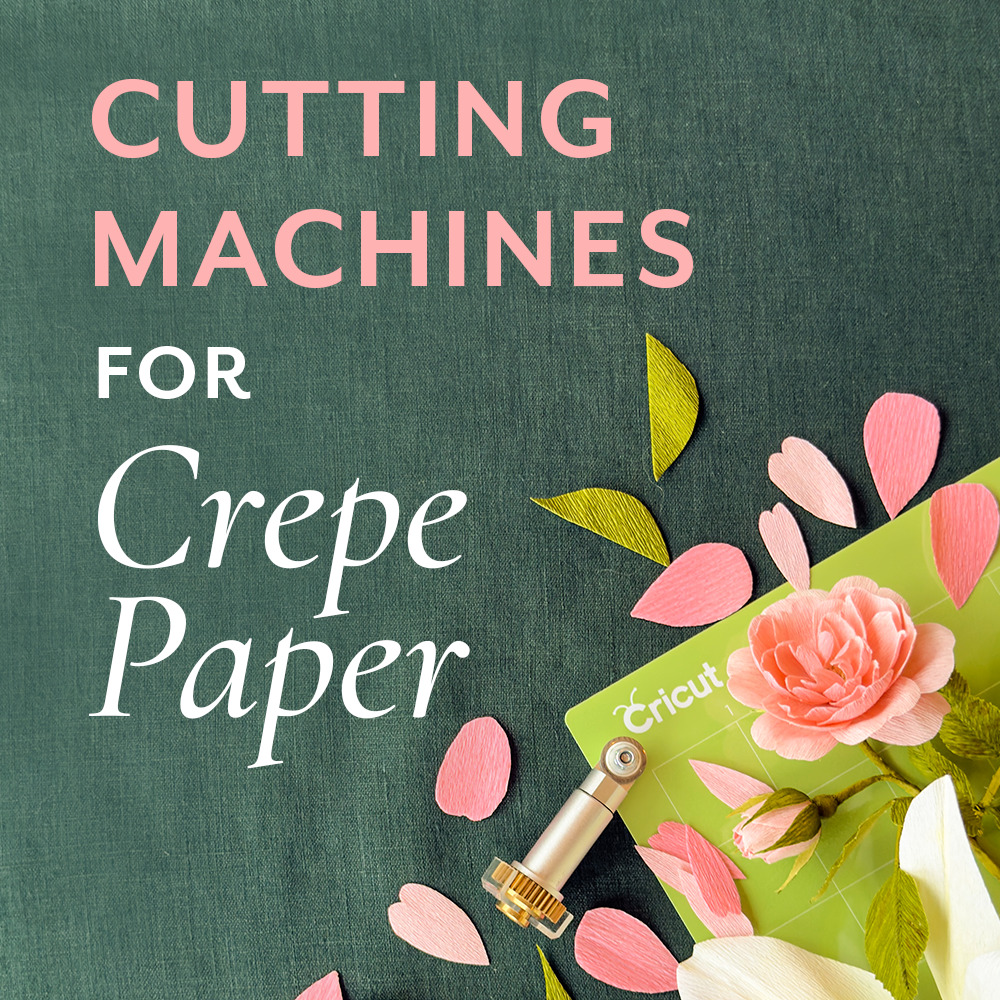
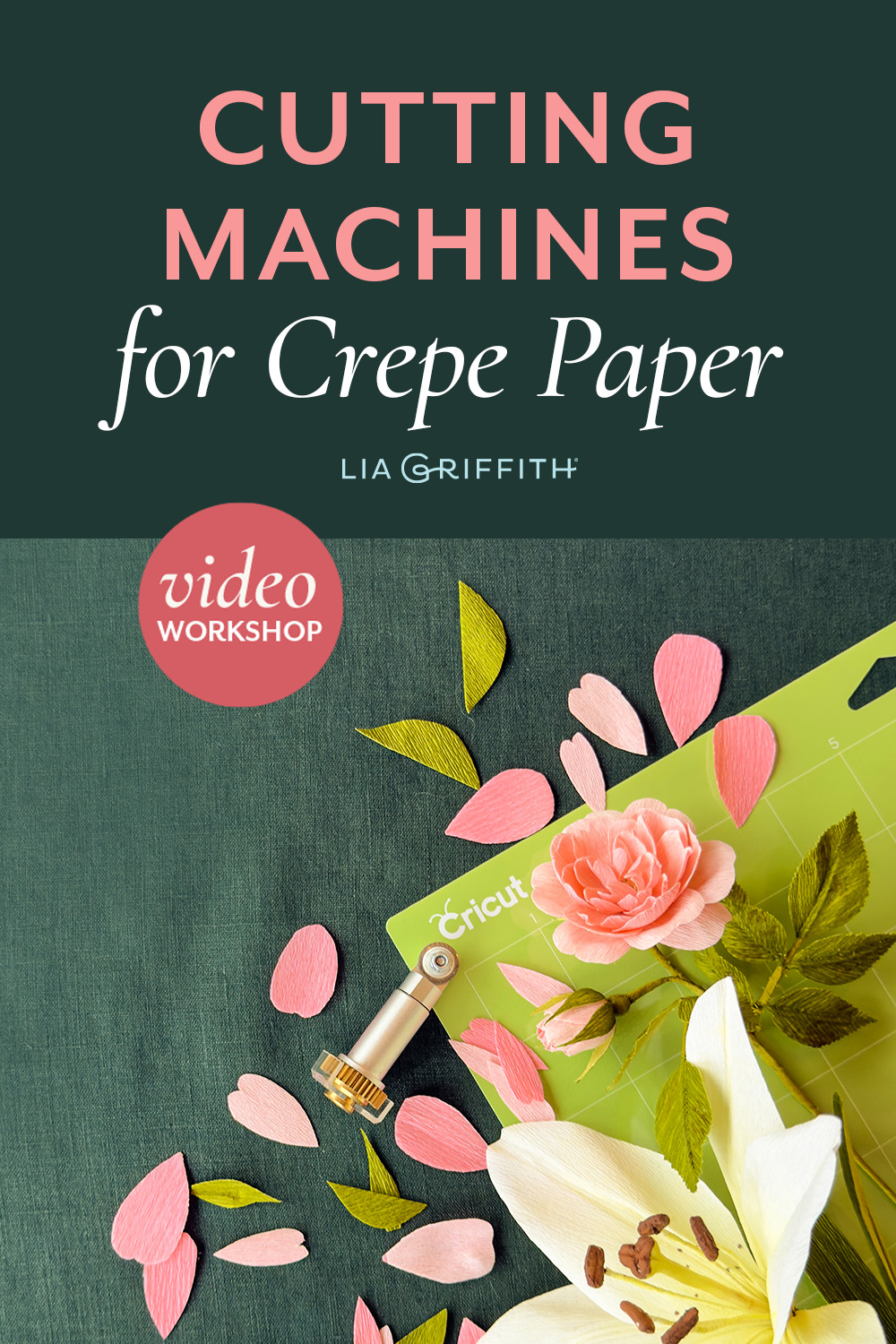
One of the questions we hear most in our studio is this. Can I cut crepe paper with my cutting machine?
The answer is yes, but there are a few things you will need to know. Crepe paper is stretchy by design. That stretch is what lets us cup a petal or flute a poppy edge, and it needs a special type of blade. A dragging fine-point blade will pull, stretch, and tear the crepe. So in the beginning when we started our crepe paper flower journey, we hand-cut everything, and I told our crafters to do the same.
Then the rotary blade arrived, and everything changed. Now the machine cuts our crepe beautifully, so you can spend your time on what matters. The machine cuts. You make the flower.
Below, I will show you which machine we use and why the rotary blade is the key. Start by watching the rotary blade video below.
This lesson is the first of four Cutting Machine videos in our free Crepe Paper Flower Foundation Series. You can watch them in order and your machine will be cutting crepe by the end:
- Using a Rotary Blade (you can also watch it above)
- Accessing the SVG Files
- SVG File Setup
- Cut Settings & Mats

Which Machines Cut Crepe Paper
Any machine that takes a rotary blade. That includes: the
• Cricut Maker any generation
• Silhouette Cameo from the fourth generation on
• Brother ScanNCut models with a rotary blade option
We cut on the Cricut Maker in our studio, so we are most familiar with this machine. We also have a course on how to use the Silhouette for our projects, including the crepe paper.
Every project includes an SVG file that you will use to cut the crepe.
Still choosing which machine to buy? I compare all three in the How to Choose a Cutting Machine video.
Our Cut Settings
Every type of crepe paper needs a different cut setting. Here are the settings we use on the Cricut:
Extra-fine crepe: Crepe Paper on Default
Double-sided crepe: Cotton on Default
Heavy crepe: Denim on Default or More
These vary with your machine, the rotary blade sharpness, and software version, so always test cut a small area first. We walk through mats and taping in the Cut Settings & Mats lesson.
Frequently Asked Questions
Can a Cricut cut crepe paper? Yes, with a rotary blade. Machines that only take a fine-point blade will tear and pull the crepe from the mat.
What Cricut setting do I use for crepe paper? See the chart above. Test cut first.
What mat should I use? A StandardGrip mat for almost all crepe. Whichever mat you use, tape the crepe down on all four sides.
Why are my pieces still attached after cutting? Your machine needs a deeper cut setting. You can adjust this by changing your setting to MORE. It is also possible your blade is dull. Swap in a fresh rotary blade.
Can a Silhouette or Brother cut crepe paper? Yes, if the machine takes a rotary blade. Silhouette instructions are linked in each lesson, and members can go deeper with our Silhouette class.
Keep Going, Free for Everyone
Our Crepe Paper Flower Foundation Series shows you what your machine can really do. It carries you from choosing the right supplies to your first cut through coloring techniques all the way to your first bloom. And you will see why so many crafters fall in love with crepe paper flower making.
Your machine can do more. You just need someone to show you. Come look what your machine can help you make.
Happy crafting ~ Lia and Team
Better Than Pinterest
Become a member and get instant access to a professional collection of 2000+ crafts, 400+ videos, and a growing library of master classes for all skill levels. For less than your daily coffee, you'll learn new skills and techniques, create beautiful handmade projects like this, and join a community of crafters just like you! Spend less time searching, more time crafting. It's better than Pinterest, promise. 😉
Become a Member
Discussion
Ask Lia or the community!
4 Comments
-

Alpha
August 25, 2025 at 7:37am
-

Lia
August 25, 2025 at 9:30am
@Alpha
-

Alpha
August 25, 2025 at 9:45am
@Lia
-

Lia
August 25, 2025 at 9:47am
@Alpha
Back to the TopGood morning,
I was wondering whether anyone has used the Brother Scan n Cut (DX version) that also has an available Rotary Blade?
I have been hand cutting all of my crepe paper flower projects to date as I have two older cutting machines (Cricut Expression and Brother Scan n Cut CM). I am contemplating adding another where I can use a rotary blade and want to make sure that I choose the right one for me.
thank you
We have not used the Brother, but possibly someone has in our community. Have you signed in to the community page where you can connect with other members? The link is at the top of the page.
Hi there,
I tried signing in to the community page but my application is still in “approval pending” . It has been this way for weeks….
There should not be an approval process for joining the community page. Are you applying for the Craft Circle Pro section? If you are still having issues, email hello@liagriffith.com and Emily will help you.